
Transparent taskbar on Windows 11
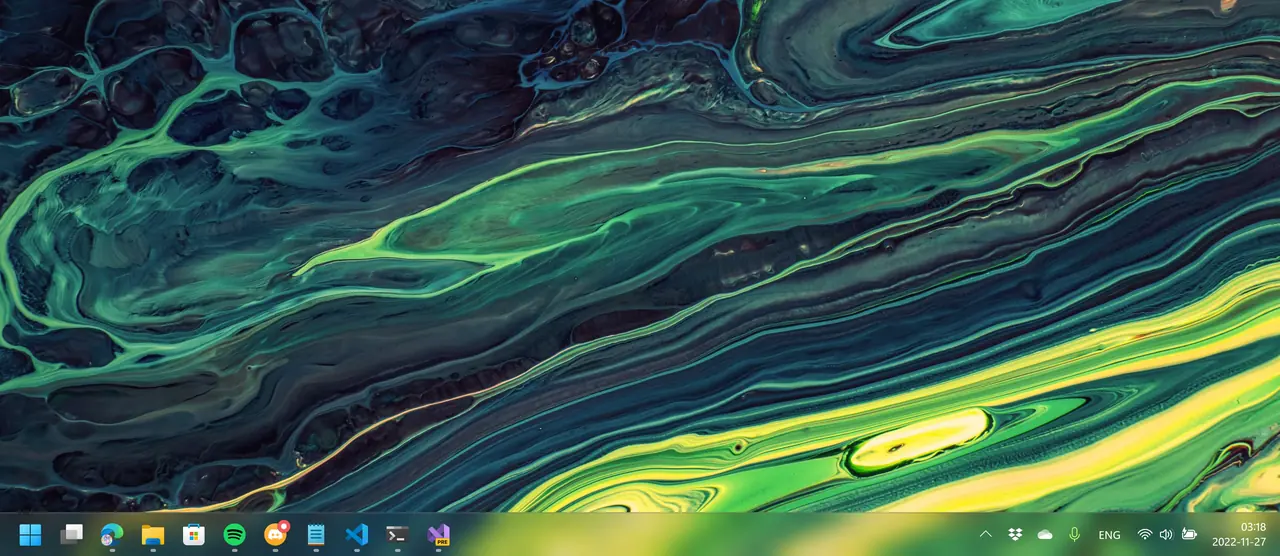
Transparent taskbar Windows 11 setups need a small app, because Windows 11 has no setting for a fully clear taskbar. TranslucentTB adds one. Choose Clear and the taskbar background disappears, leaving the icons over your wallpaper.
Free and open source. About 4 MB from the Microsoft Store.
Checked against TranslucentTB 2026.2. Last updated .
What Windows 11 can do by itself
Settings, Personalization, Colors has a switch named Transparency effects. Microsoft describes it as making some surfaces slightly transparent with an acrylic blur. On the taskbar the effect is faint. There is no slider and no fully clear option.
That gap is what TranslucentTB fills.
Make the Windows 11 taskbar transparent
- Install TranslucentTB from the Microsoft Store. Other installers are on the Windows 11 download page.
- Click Continue on the welcome window.
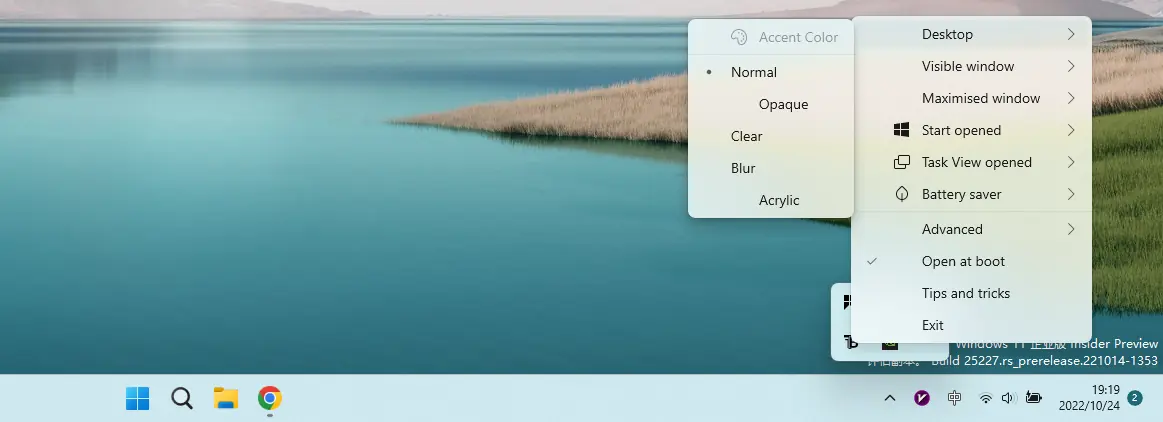
- Right-click its tray icon, open Desktop, choose Clear.
- In the same submenu, untick Show taskbar border to remove the line above the taskbar.
- Tick Open at boot.
If the taskbar is tinted instead of clear, open Accent Color and drag the alpha slider to the bottom.
Keep it readable
A clear taskbar under a maximized browser is hard to read. Open Maximized window, tick Enabled and pick Acrylic. The taskbar is transparent on the desktop and turns into a frosted, acrylic taskbar when a window fills the screen.
For white icons and clock text, set the Windows mode to Dark. See how to change the taskbar text colour. Smaller adjustments of the same kind are collected in the TranslucentTB tips and tricks.
Semi-transparent instead of fully clear
Stay on Clear and raise the alpha in the colour picker. Black at about 40% gives a tinted glass look with the wallpaper still visible.
November 2026: on Windows 11 25H2 and 26H2 with update KB5132057, version 2026.2 has no effect until the next release. Check the KB5132057 fix status.
Without installing anything
There is a registry tweak that people try first. It predates Windows 11 and never gave a fully clear taskbar. Here is what the registry tweak really does.
Source for the built-in setting: Microsoft's Personalize your colors in Windows.
Related pages
- Remove the taskbar line (Windows 11)Hide the one-pixel border above the Windows 11 taskbar.
- Transparent taskbar on Windows 10Clear, tinted or blurred, on version 1903 and later.
- White line or white barThe thin border line, and the separate white-block bug.
- Blur the taskbar on Windows 11A soft-focus taskbar with a strength you can set.
- 25H2, 24H2 and 26H2 statusWhich Windows 11 versions work with 2026.2 today, by build number.
- Clear vs Acrylic vs BlurThe five looks side by side, with the Windows versions each one needs.
See everything under Uses.