
TranslucentTB for Windows 10
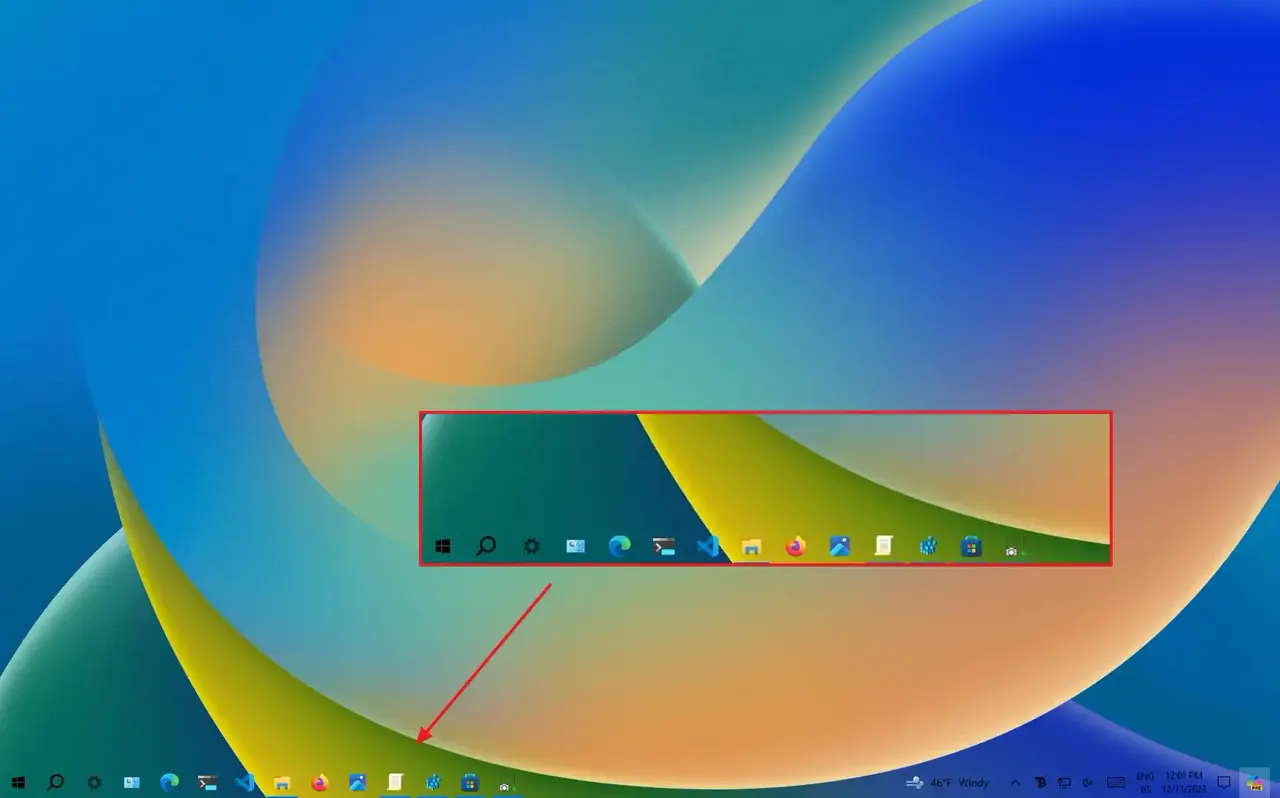
TranslucentTB for Windows 10 runs on version 1903 (build 18362) and every later release, up to 22H2. It gives the Windows 10 taskbar all five looks, including the original Blur.
Install it from the Microsoft Store or with the App Installer file from GitHub.
Get it from the Microsoft Store
Free. Needs Windows 10 version 1903 (build 18362) or later, 64-bit.
Checked against TranslucentTB 2026.2. Last updated .
Install on Windows 10
- Open the Microsoft Store listing and click Get.
- Or download
TranslucentTB.appinstallerand open it. It fetches the app and the three framework packages it depends on. - For a PC with no internet, copy over
bundle.msixbundle(4.17 MB) and open that.
After installing, follow how to use TranslucentTB for the first settings.
What does not work on Windows 10
- The portable zip. The project states that the portable build only works on Windows 11.
- 32-bit Windows 10. The packages are built for x64 and ARM64 only.
- Builds older than 1903. Version 2021.4 raised the minimum to build 18362 when the interface was rewritten. The same limit rules out Windows 7 and 8.1.
- The taskbar border option. Windows 10 has no taskbar line, so the menu does not show it.
Extras that only Windows 10 has
Show Desktop Peek Button. The thin strip at the far right of the Windows 10 taskbar can be hidden per state. Hide it on the desktop and keep it when a window is maximized, for example. The button still works when it is not visible.
Start and Search states on by default. On Windows 10 the taskbar returns to Normal while Start or Search is open, so the menu and the taskbar match.
Classic Blur. Blur uses the system effect that Windows 10 still has. No radius setting is needed.
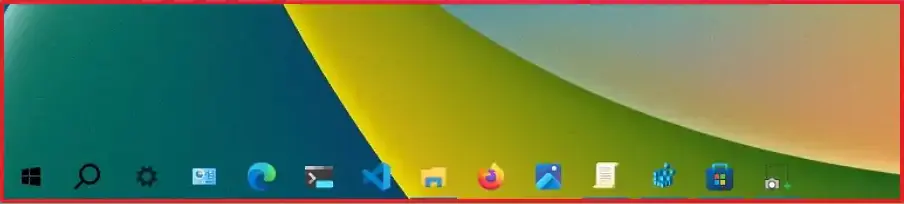
The short version of the setup is on the page for a transparent taskbar on Windows 10.
Windows 10 LTSC
LTSC editions have no Microsoft Store, so the frameworks the app depends on are not there either: Microsoft.UI.Xaml 2.8 and two VCLibs packages. The .appinstaller file lists all three and downloads them for you. The bare msixbundle does not.
Check that the build is 18362 or higher first: press Win + R and run winver. The page on installing without the Microsoft Store has the manual steps.
After October 2025
Microsoft ended support for Windows 10 on 14 October 2025. TranslucentTB still lists Windows 10 as supported in its README and its Store listing, and version 2026.2 installs on it.
Related pages
- TranslucentTB for Windows 11Store, App Installer and portable builds, plus what differs on Windows 11.
- TranslucentTB portableThe no-install zip for Windows 11, with startup and settings notes.
- TaskbarX vs TranslucentTBIcon centring against background styling, and which is still maintained.
- Uninstall TranslucentTBEvery install type, plus the restart that finishes the job.
- Is TranslucentTB safe?Open source, signed, in the Store. Why antivirus flags it anyway.
- Latest version and history2026.2 is current. What each release since 2021 changed.
See everything under Download.