
TranslucentTB white line or white bar on the taskbar
TranslucentTB white line reports come in two kinds. The first is a thin line across the top of the Windows 11 taskbar. The second is a white block, bar or square sitting on the taskbar. They have different causes.
Checked against TranslucentTB 2026.2. Last updated .
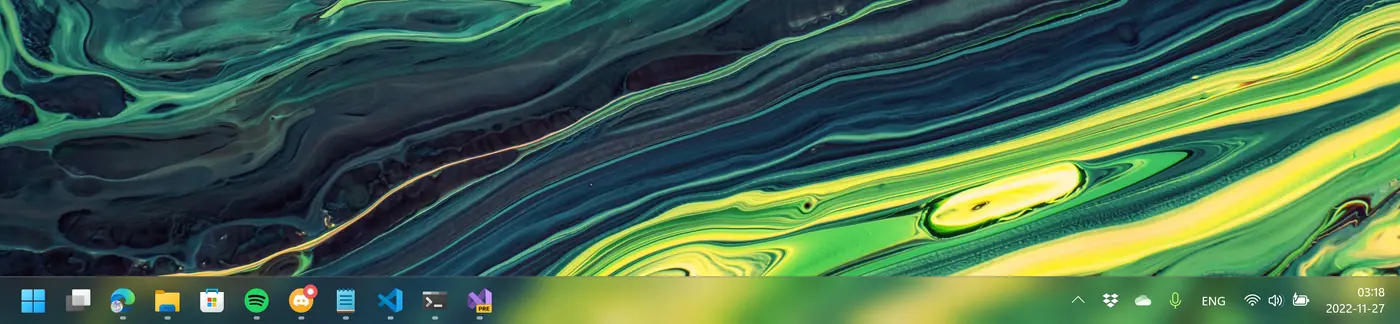
The thin line along the top edge
Windows 11 draws this line itself. It is there without TranslucentTB too. A clear taskbar just makes it easier to see, as the developer explained in issue #425.
Version 2022.1 added a switch for it. Each state has a Show taskbar border entry. Untick it and the line is removed while that state is active.
The setting is per state. If the line comes back when you open a window, untick it under Visible window and Maximized window as well.
In the config file the key is show_line:
"desktop_appearance": {
  "accent": "clear",
  "color": "#00000000",
  "show_line": false
}
No such entry in your menu
- You are on Windows 10, which has no taskbar line. If you see a line there, it belongs to something else.
- Your TranslucentTB is older than 2022.1. Update.
A white bar, box or square on the taskbar
This is a rendering bug tracked in issue #1052: a solid white rectangle covers part of the taskbar.
- Workaround: restart Windows Explorer from Task Manager. Users in the thread report it clears the block until next time.
- Suspected cause: the developer suspects it is specific to Nvidia graphics, noting it has never happened on their own Intel and AMD machines. That is not confirmed.
- Status: in September 2026 the developer asked affected users to try a development build, and one reported the white bar gone. The fix has not been announced as part of a numbered release yet.
Lines under app icons on Windows 10
The small coloured line under each running app is the Windows 10 running indicator. TranslucentTB cannot remove it. The developer answered this request in issue #900.
ExplorerPatcher: buttons disappear when the line is hidden
With ExplorerPatcher's classic taskbar, hiding the line has made buttons vanish on secondary monitors. Leave Show taskbar border ticked in that setup (#702).
Sources: issues #425, #661, #1052, #900, #702, and the 2022.1 release notes.
Related pages
- Transparent taskbar on Windows 11Fully see-through, with the border line removed.
- Blur and blur radiusWhich Windows builds have Blur, and how to change its strength.
- Not working after KB5132057November 2026. The taskbar stays opaque on 25H2 and 26H2 after the preview update. Status and workarounds.
- 25H2, 24H2 and 26H2 statusWhich Windows 11 versions work with 2026.2 today, by build number.
- TranslucentTB for Windows 11Store, App Installer and portable builds, plus what differs on Windows 11.
- How to use TranslucentTBFrom the welcome window to a finished taskbar, in five steps.
See everything under Fixes.